


One Image Color Graded Three Ways by Lindsay Adler
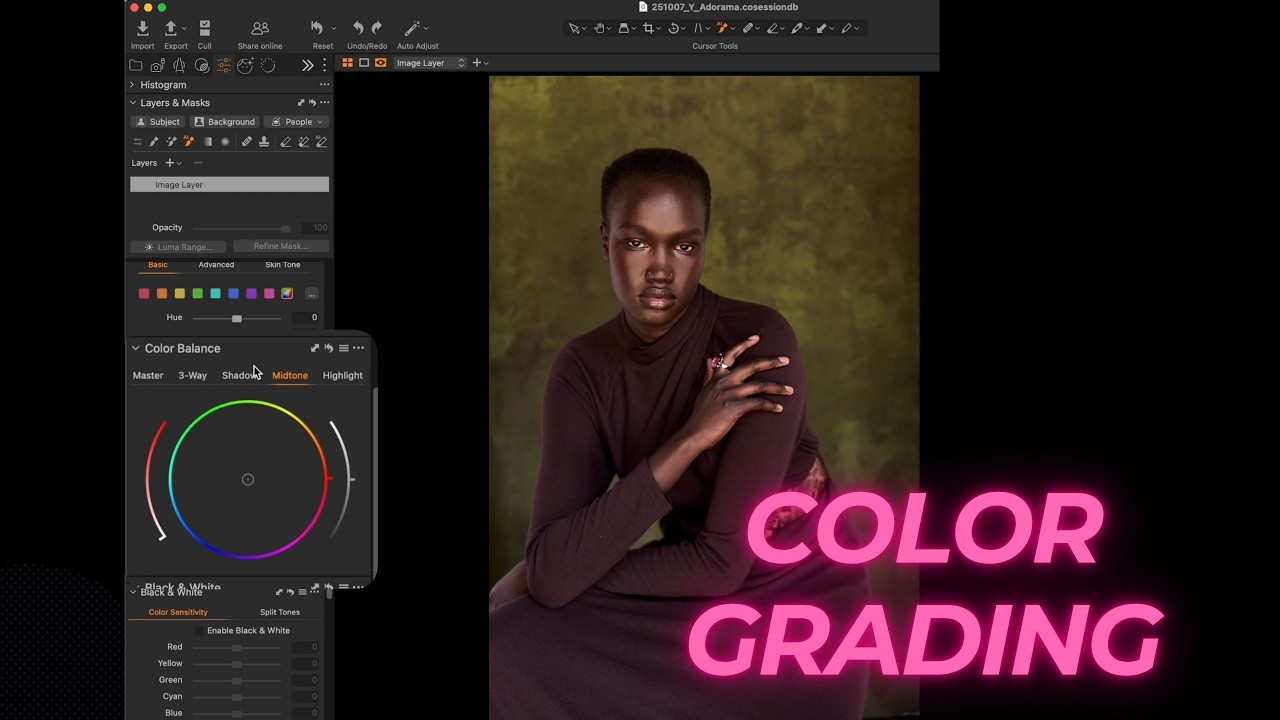
So, you've nailed the shot with great light—maybe that beautiful natural light from an open garage, perfectly sculpted by white V-flats to give your subject a gorgeous rim light. Good start. But the real magic, the shift from a 'good photo' to a 'statement piece,' happens in color grading.
Key Controls for Post-Processing Mastery
To make your single RAW file tell three different stories (say, high fashion, moody chocolatey warmth, or mysterious purple drama), you need to manipulate the core elements:
- Shoot RAW, Adjust White Balance: A RAW file is your insurance. It holds all the data needed to make radical mood swings—like dramatically warming up or cooling down the whole image using the white balance slider. This sets the scene's emotional tone instantly.
- Selective Color Editing: Don't let a distracting color steal the show. Use the Color Editor to isolate and desaturate or shift specific hues—like turning an overly bright green background into a more subdued, supporting gray. A practical tip: your eye goes to the most saturated spot, so control it!
- Color Balance (Shadows, Mids, Highlights): This is where you introduce cinematic color schemes. You can specifically target the shadows, mid-tones, and highlights to infuse them with different hues. Want a rich, cohesive feel? Use an analogous color scheme (similar warm tones across all ranges). For maximum contrast? Introduce complementary colors.
Starting with excellent lighting and a focused composition is just the first act. Color grading is the final, essential performance that determines how the viewer feels.
Everything you do in post-processing—from popping the contrast to selectively adding clarity—must serve your artistic intention. Get this right, and you don't just take a photo; you craft a visual experience.
Summary: Color Grading Essentials
| Concept | Actionable Tip | Key Benefit |
|---|---|---|
| Foundation | Always shoot in RAW format. | Maximum data flexibility for extreme color shifts. |
| Intent | Decide on the desired viewer emotion (moody, clean, warm). | Guides all post-processing decisions. |
| White Balance | The primary tool for overall atmospheric warm/cool mood. | Establishes the photograph's emotional base. |
| Color Editor | Isolate and desaturate distracting colors (e.g., green backgrounds). | Ensures the main subject is the focal point. |
| Color Balance | Inject specific hues into shadows, mid-tones, and highlights. | Implements sophisticated color theory and style. |





0 comments:
Post a Comment