


Beginner Solo Filmmaking Tips : Plus Gimbal Mistakes and Fixes via Brandon Li
Capturing cinematic footage as a solo filmmaker can often feel like a juggling act. You are the director, the camera operator, and the focus puller all at once.
It is easy to fall into common traps that scream "amateur," but with a few strategic adjustments to your workflow and camera settings, you can significantly upgrade the production value of your projects.
Rethinking Background Blur

If the location is important to your story, stop your aperture down to f/4 or even f/5.6. This retains a pleasing separation while revealing enough detail in the environment to establish a sense of place. Additionally, a slightly closed aperture makes it much easier to keep your subject sharp without a dedicated focus puller.
Mastering Focus and White Balance
You can maintain a set distance from your subject or let them drift in and out of the focal plane for a natural, organic feel.
Similarly, do not feel constrained by "correct" white balance. Treat color temperature as a creative tool rather than a technical setting.
Similarly, do not feel constrained by "correct" white balance. Treat color temperature as a creative tool rather than a technical setting.

Manually adjusting your white balance to be cooler or warmer can drastically alter the mood of a scene, helping you tell your story more effectively than a clinically accurate auto setting.
Standard rules of composition suggest leaving a specific amount of "headroom" above a subject. While safe, this can sometimes feel generic. Experiment with breaking these rules.
Creative Framing and Headroom
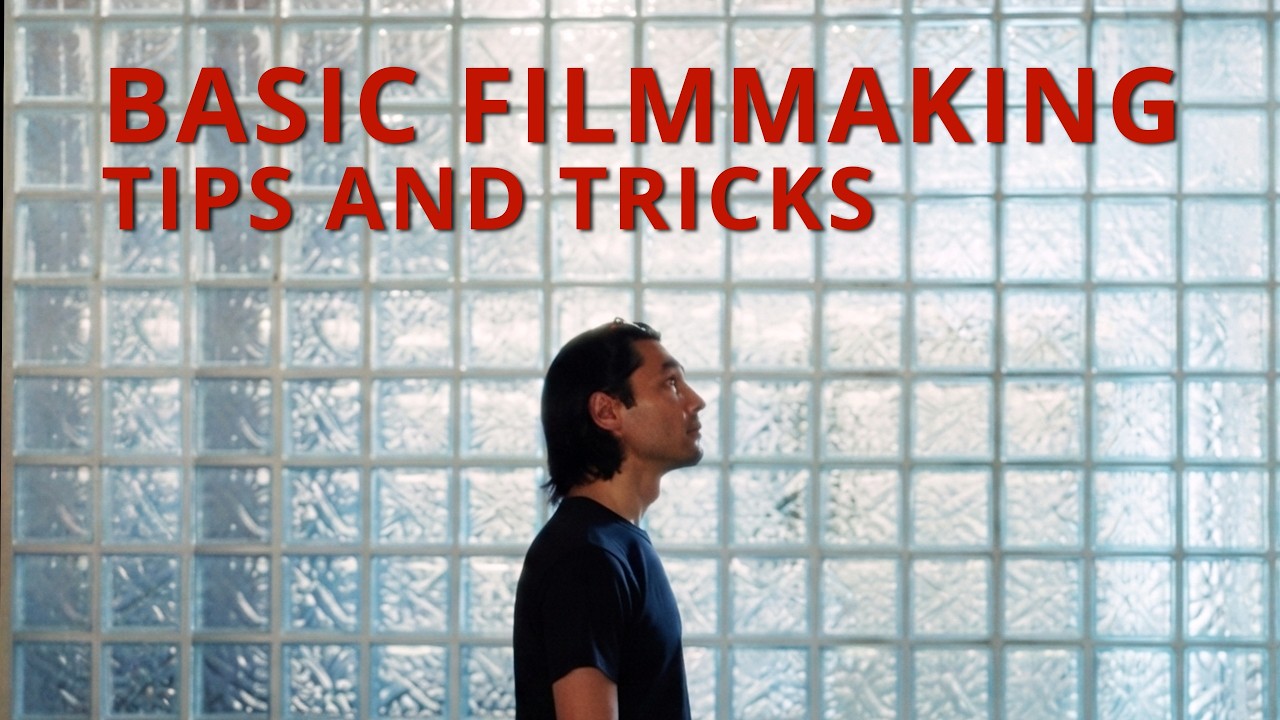
Placing your subject lower in the frame to reveal the architecture or environment above them can add depth and visual interest that a standard shot lacks.
Lighting challenges, particularly strong backlighting, can ruin a shot by turning your subject into a silhouette or blowing out the background. If you cannot move the subject, try using a portable light to fill in the shadows from the side.
Handling Backlight
Alternatively, embrace the limitations: expose for the background and intentionally silhouette your subject for a dramatic effect.
Gimbals are powerful, but complex movements often lead to shaky, unprofessional results. A major tip for cleaner shots is to switch from "Pan Follow" to "Lock Mode."
Smoother Gimbal Moves
This prevents the camera from drifting with your hand movements, creating a steady, tripod-like glide. Furthermore, do not be afraid to direct your talent. Ask them to walk 20% slower than normal; this makes it easier for you to maintain framing and looks surprisingly natural on camera.
For dynamic orbit shots, have your subject spin in the opposite direction of your movement to amplify the energy of the scene.
Resume
- Aperture: Stop down (e.g., f/4 or f/5.6) to show context, rather than shooting wide open.
- Focus: Lock focus to avoid digital hunting; move with the subject to maintain sharpness.
- White Balance: Use manual adjustments to set the mood, not just to correct colors.
- Gimbal: Use "Lock Mode" for stability and ask subjects to move slower for easier framing.
- Lighting: Fill backlit subjects with portable lights or embrace the silhouette.





0 comments:
Post a Comment