


Mastering Dark & Moody Portraits: The Power of Luminar Light Depth
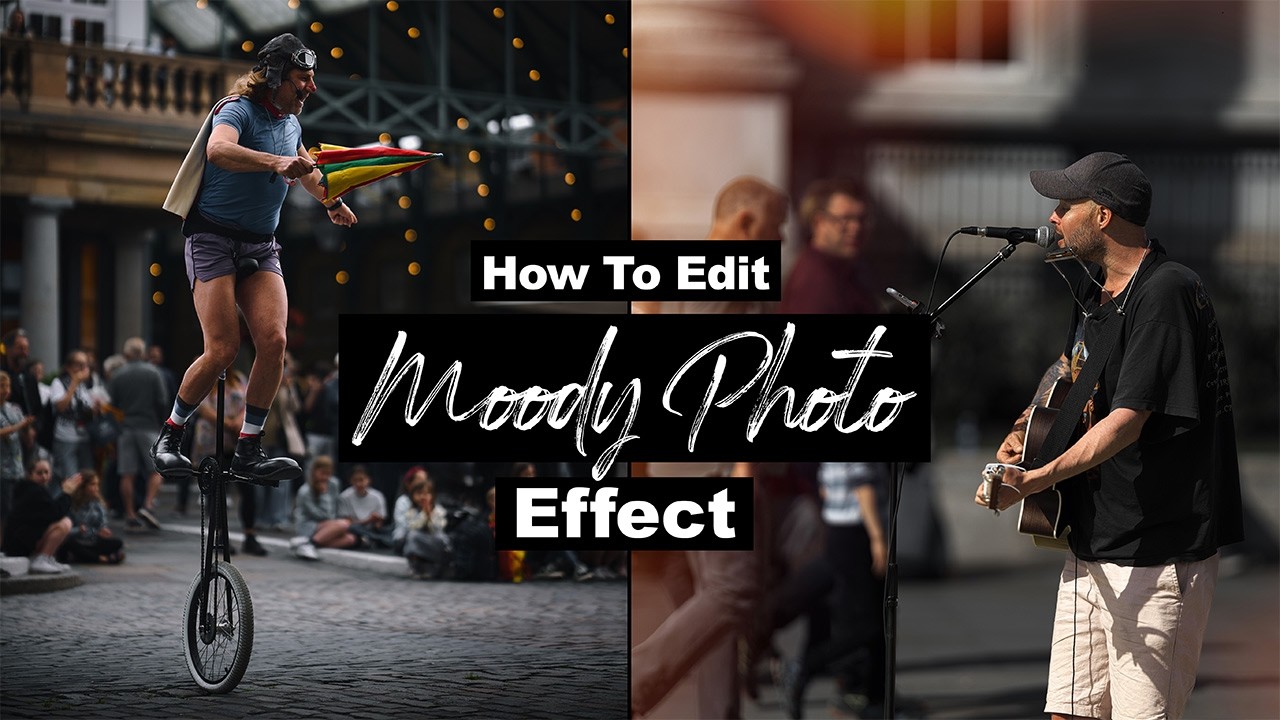
Transforming flat, ordinary captures into high-impact, moody edits often hinges on precise lighting control. In his latest video walkthrough, photographer Mark McGee breaks down a streamlined four-step workflow using Luminar's powerful Light Depth tool to introduce dramatic mood, punchy contrast, and directional light without complex selections.
The process begins by establishing base contrast and utilizing a targeted black-and-white conversion to refine luminosity before color grading.
By dialing in the Light Depth control slider, photographers can easily direct illumination forward or push it deep into the background, instantly isolating subjects and controlling the spatial dynamic.
Rounding out the technique with selective LUTs and depth-of-field adjustments yields rich, professional visual weight across portraits, street scenes, and moody landscapes alike.
Establishing Base Structure and Luminance
Achieving a successful dark edit starts in the Develop panel by pulling back global exposure and tightening the white point against the histogram body. Temporarily switching to a grayscale preview provides an uninterrupted view of light distribution.
Adjusting individual luminance channels brightens key skin tones and subject highlights, while selectively desaturating background colors eliminates visual distractions that compete with the mood.
Shaping Light Depth and Atmospheric Tone
The centerpiece of this workflow is the Light Depth panel, which simulates realistic 3D volumetric light falloff across the frame. Fine-tuning the depth slider carves out distinct pools of light, enhancing subject separation without tedious manual masking.
To complete the grade, applying a film-inspired LUT through the Mood tab binds the shadow tones and adds cohesive overall color harmony.
Editing Tip: For enhanced subject isolation in outdoor or busy environments, combine the Light Depth tool with Luminar's Portrait Bokeh AI or regional Enhance tools. Adjusting the blur depth distance allows you to subtly soften background details and focus complete visual attention on your subject.
Video and images via Mark McGee Photos





0 comments:
Post a Comment